
What the app actually does: Wi-Fi control on the RADOCO smart air fryer
Delayed start, remote temperature changes, 100+ recipes and a cooking history — a tour of the Tuya integration.
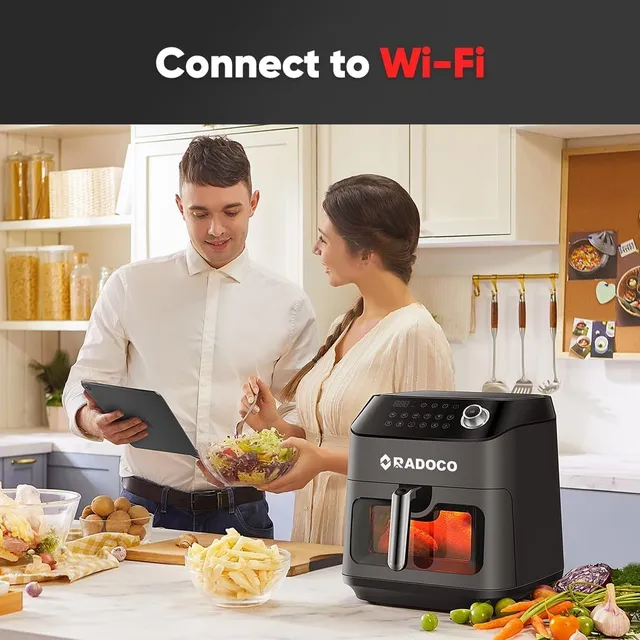
The RD-1012W connects to a home Wi-Fi network and appears in the Tuya Smart app. From there, an owner can start a program, change time and temperature while it is running, and delay a start so dinner is ready on arrival.
The app also carries more than 100 preset recipes with the right time and temperature, and keeps a history of what was cooked and when. Everything remains available on the touch panel — the app adds, it does not replace.
Setup takes about two minutes: install the app, add a device, hold the Wi-Fi button on the fryer until it blinks, and follow the prompts. A step-by-step guide is in the Support knowledge base.
Media enquiries: press@radoco.coShare
Related products
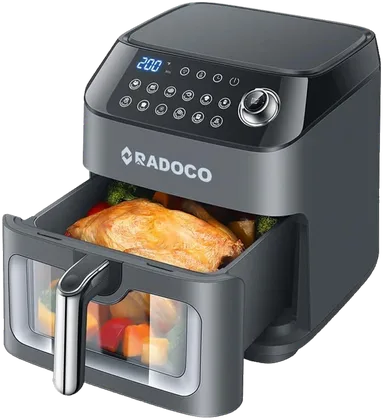 RADOCO RD-1012W Smart Air Fryer 7.3L
More from the Newsroom

Update
RADOCO launches the new radoco.co — with Support, a Community and this Newsroom
15 September 2026Product
The RADOCO app recipe library passes 100 recipes — with a new Gulf collection
9 September 2026
Update